
Tsubaki.2 Is Here — Everything You Need to Know
Meet Tsubaki.2 — PixAI’s latest flagship model. Whether you’re crafting atmospheric scenes, bold character art, or complex multi-character compositions, Tsubaki.2 sets a new standard for what’s possible on PixAI.

Here’s a full breakdown of what’s new, what’s exclusive, and how to make the most of it.
Table of Contents
What Makes Tsubaki.2 Different?
Tsubaki.2 isn’t just an incremental update — it’s a new foundation for creation. Here’s what’s been meaningfully improved:
Stronger Prompt Understanding & Execution
Tsubaki.2 follows nuanced instructions more reliably than ever, especially with longer, structured prompts. The more clearly you describe your vision, the more faithfully it’s rendered.
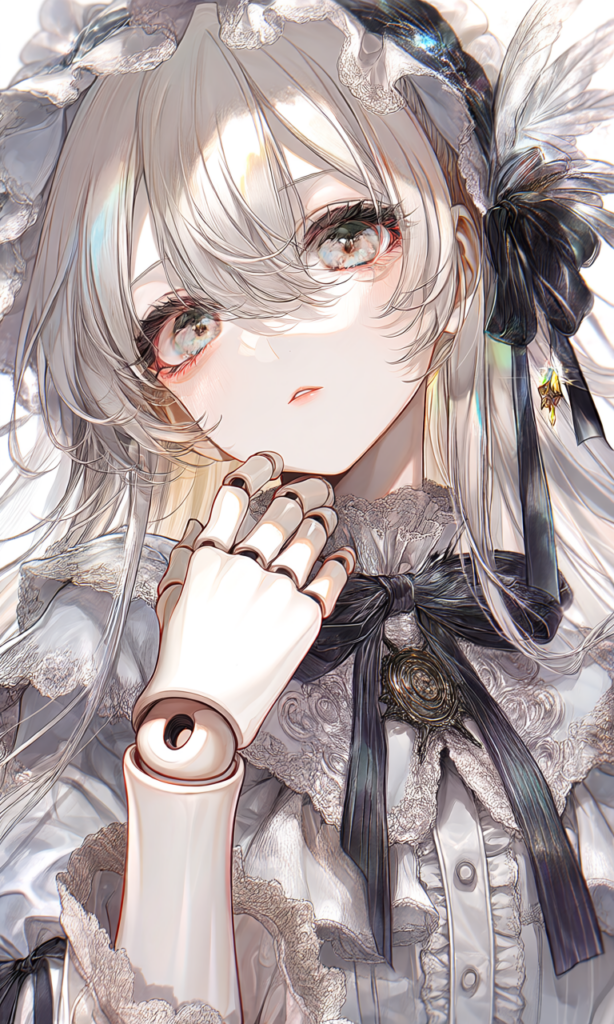
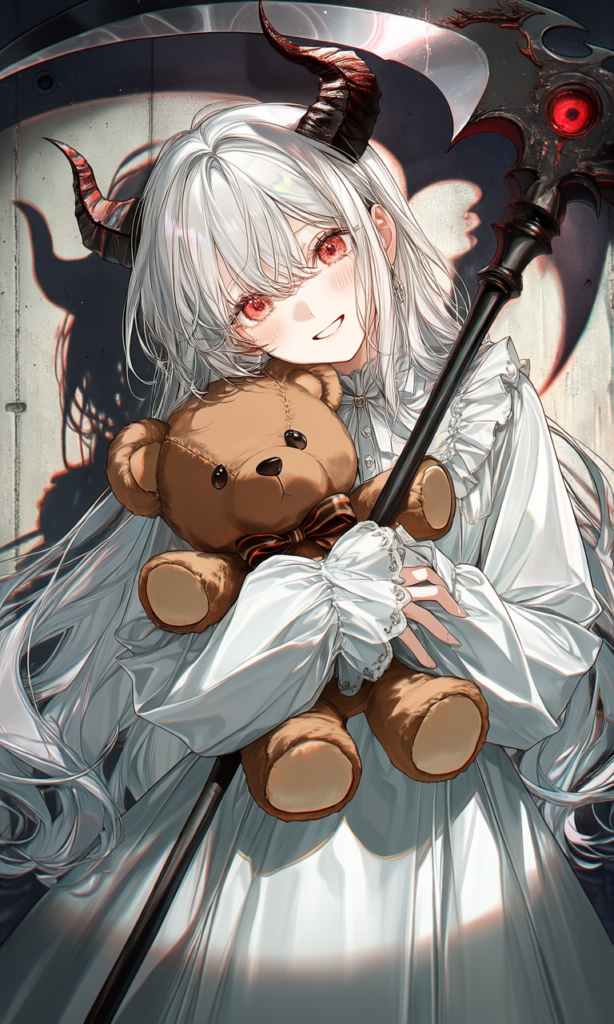
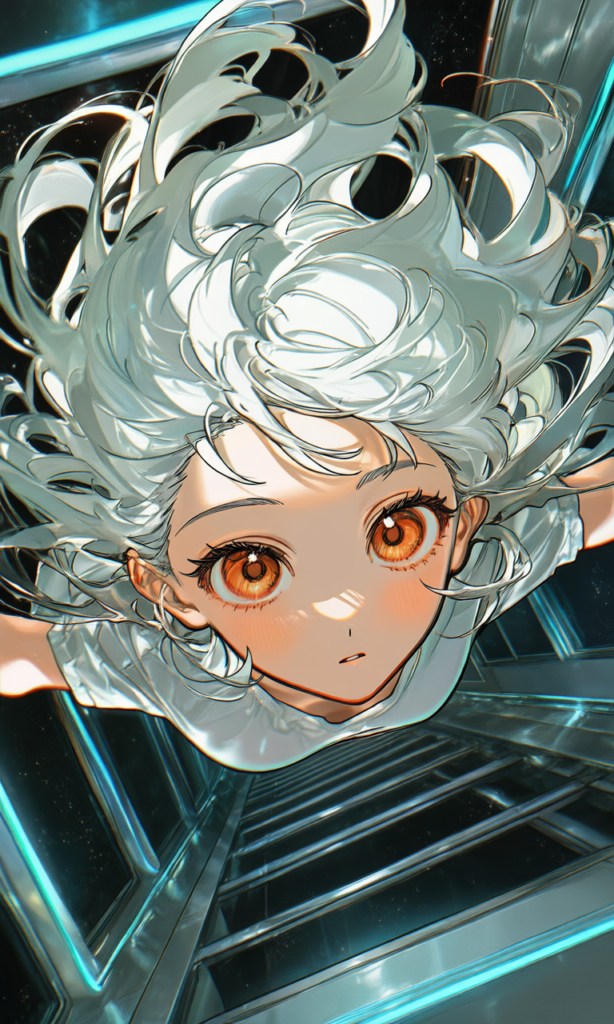
Seamless Anatomy & Precision
Sharper anatomical detail, more believable proportions, and a stronger sense of natural movement — across poses, gestures, and expressions.
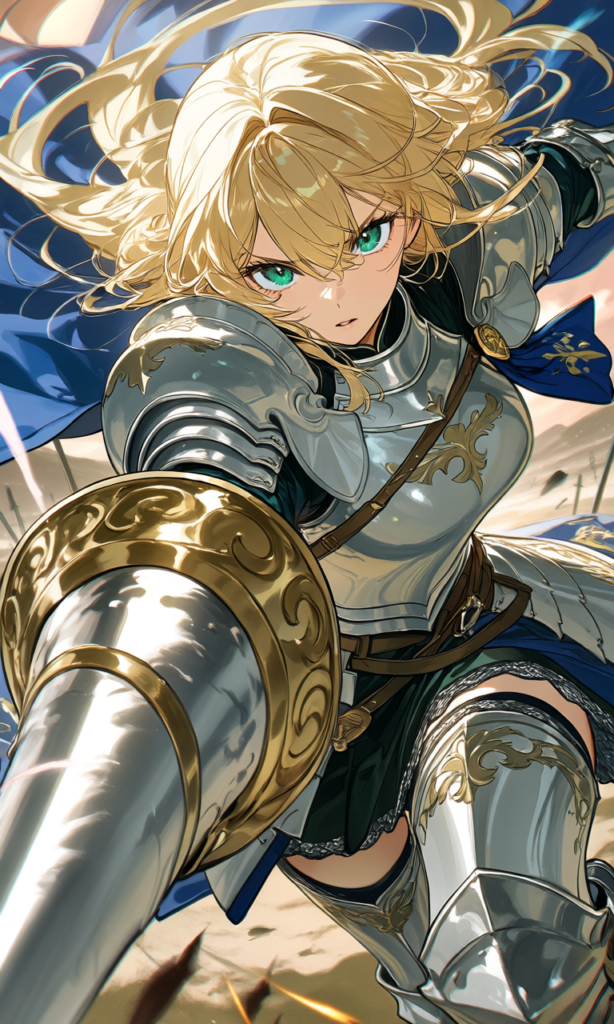
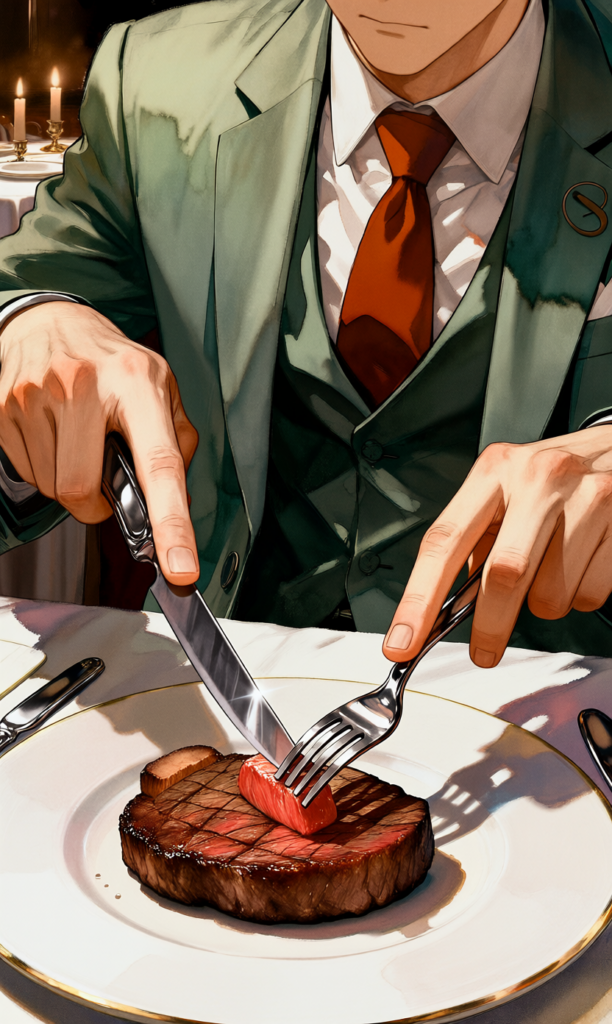

Wider Stylistic Adaptability
From soft atmospheric moods to bold, high-contrast aesthetics, Tsubaki.2 handles a broader range of visual styles without losing coherence or identity.


Enhanced Multi-Character Interaction
Spatial positioning between characters is more intentional and physically believable. Whether it’s two characters in dialogue or a full ensemble scene, every figure feels purposefully placed.


How to Get the Best Results
Tsubaki.2 is built to respond to detail. The more context you give it, the more it can deliver.
Enable Prompt Helper
Before you start, turn on Prompt Helper — it structures and enhances your prompt automatically, helping Tsubaki.2 interpret your intent more accurately.

Write Longer, More Descriptive Prompts
Vague prompts get vague results. Include:
- Appearance — hair, eyes, skin tone, facial features
- Mood & expression — emotion, energy, attitude
- Pose & body language — stance, gesture, action
- Camera framing — close-up, wide shot, Dutch angle, bird’s eye
- Interactions — what characters are doing relative to each other or their environment
Recommended Prompt Structure
For the most consistent results with Tsubaki.2, try organizing your prompts using this framework:
[art style / visual aesthetic] of [main subject description], [action & composition].
She/He is wearing [clothing & accessory details].
In the foreground, [key props and their details].
The background shows [environment & setting details], including [specific text/signage if any].
The scene is filled with [lighting & shadow effects] and [particles/special effects].
Overall style is [color palette & visual texture].
Think of each bracket as a layer of detail you’re adding to the scene. Skip any that don’t apply — but the more you fill in, the more Tsubaki.2 has to work with.
To help you get started, we’ve also prepared a detailed guide on how to write prompts — feel free to check it out:
Only on Tsubaki.2
These features are exclusive to Tsubaki.2 and designed to give you more creative control from the start.
Style — 35+ One-Click Presets + Custom Style Support
Tsubaki.2 comes with a curated library of 35+ anime-ready styles, organized by aesthetic — anime, colorful, realistic, and more. Each style has a showcase, so you can see exactly what to expect before applying it.
How to use:
- Open the Style panel on the generation page

2. Browse the style grid


3. Click any style to preview it in the Showcase panel on the right

4. Hit Apply Style to lock it in — then generate
Want something more specific? You can also input custom style tags to create your own style combination. There’s no ceiling on what you can mix — whether you’re layering aesthetics or building a signature look.
Mode — Choose Your Speed & Quality Balance

Tsubaki.2 introduces four generation modes so you can match output quality to your workflow at any given moment:
| Mode | Best For |
| Lite | Fastest and most affordable — great for quick drafts and iteration |
| Standard | Balanced speed, cost, and quality — the go-to for most generations |
| Pro | Higher detail and refinement — ideal for polished work |
| Ultra(PixAI Member Exclusive) | Maximum quality and precision — for your best final outputs |
Pick the mode that fits the moment. Drafting? Go Lite. Finishing? Go Ultra.
Tsubaki.2 is ready. The only thing left is to see what you create with it.
Start generating, explore the styles, push the prompts — and share what you make with the community. We can’t wait to see where you take it.


